
Know who's close to their driving limit before they get behind the wheel
Fleet managers running a small fleet use inquerio.ai to see who's close to their driving-hour limit with a single question, without manual exports or time spent in Excel.
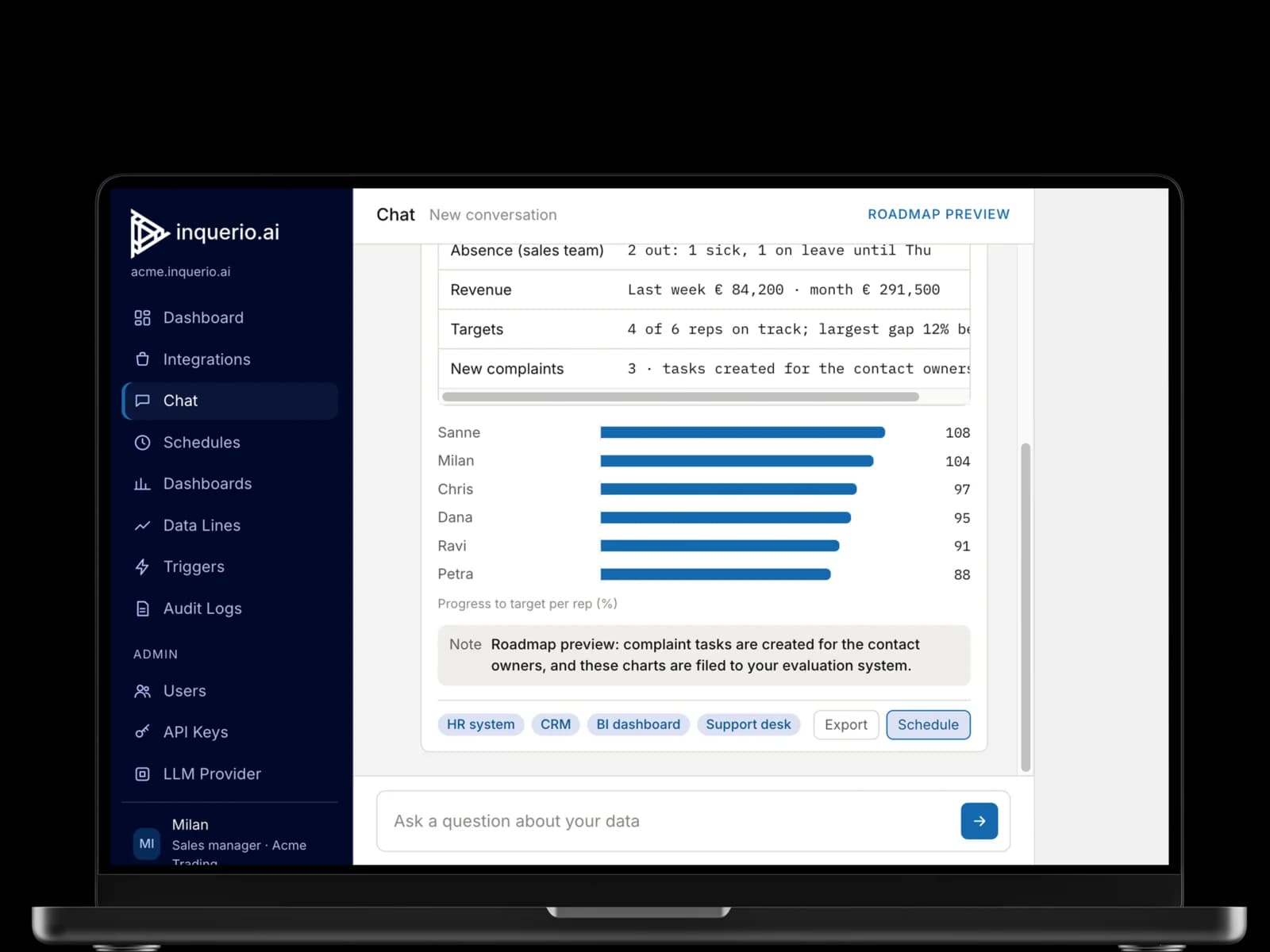
You only see infringements when it's already too late
It's Friday afternoon when you export the tachograph data and paste it into Excel; then you go through the list one driver at a time, checking their details against the schedule. This takes up one or two hours each week. Should an inspector request an infringement summary, you end up losing an entire day. During the week, a driver may exceed their hours, and you only discover this afterward, after the infringement has already happened.
- Every check starts with an export and an hour in Excel
- A driver goes over their hours midweek and you only find out afterward
- An audit summary takes a full day
Inquerio.ai brings your tachograph data, scheduling system, and HR system together in one overview.
One question instead of an export
Ask inquerio.ai your question and get an answer from the tachograph, your schedule, and your HR system within a few seconds. See who is close to their limit, who has had their break, and who is about to go over. Every answer includes the source data, ready for inspection.
Every answer shows the figures you need to check against the EU driving-time rules (Regulation (EC) 561/2006). Every Monday, a weekly summary lands in your inbox, so you start the week in control.
What inquerio.ai gives you
- See who's close to their limit before they go over, not afterward
- The weekly driving hours overview in your inbox every Monday
- An audit summary in seconds, not a day
- Every answer backed by the tachograph record it came from
- No more exports or spreadsheets
Examples of systems inquerio.ai can read
Tachograph
Pull driving hours, breaks, and infringements per driver.
Possible integrations: Tachomaster, Optac, or TIS-Web.
Route planning
Access to planned routes and schedules per driver.
Possible integrations: PTV or Routific.
HR and payroll
View contract details and availability per driver.
Possible integrations: Loket.nl, AFAS, or Nmbrs.
3 simple steps to work with inquerio.ai
- 1
Ask your question in plain language.
- 2
Inquerio.ai pulls data from the tachograph, your planning system, and your HR system at once.
- 3
You get one answer with source references, before making the next decision.
Frequently asked questions
Is my data safe when I use inquerio.ai?
Yes. Inquerio.ai only reads your tachograph, planning, and HR systems and never changes them. Your data is processed in line with the GDPR, and every answer shows the source record, so you can check it against the EU driving-time rules yourself.
Which systems does inquerio.ai read for driving hours and tachograph compliance?
Inquerio.ai reads the tachograph, the planning system, and your HR system at once. You ask your question and get one answer from all three systems.
Can I check whether a driver has taken their required break?
Yes. Inquerio.ai reads the break information from the tachograph and, for each driver and each journey, displays whether the mandatory 45-minute break was taken.
Can I get a summary of infringements for a specific period?
Yes. Ask inquerio.ai, for example for the past 30 days or a specific month, and you get a summary you can use in your audit report.
Is inquerio.ai suitable for a small fleet?
Yes, it is. The system is designed for small and mid-sized fleets, covering situations from a few trucks to several dozen. You won't need to replace or migrate any of your existing systems, since inquerio.ai links with the ones you currently use.