
See which clients are cutting into your margin
Your hours are tracked and invoices recorded, yet profit per client is still unclear. Inquerio.ai brings this data together, so you can see where your time goes before invoicing.
The margin disappears while the project runs
As a project moves forward and you log your hours, actual costs only become clear after invoicing, often revealing a much lower margin than expected. Hours, invoices, and project status are stored in separate tools. Checking whether a client is profitable means exporting data and comparing it by hand, which takes time, and by then it's usually too late to adjust.
- Budget overruns become visible only after the invoice, not before
- Hours, invoices, and project status live in three separate tools
- Client profitability is checked at best once a month
Inquerio.ai links your time tracker, project tool, and accounting system.
See your margin per client and project
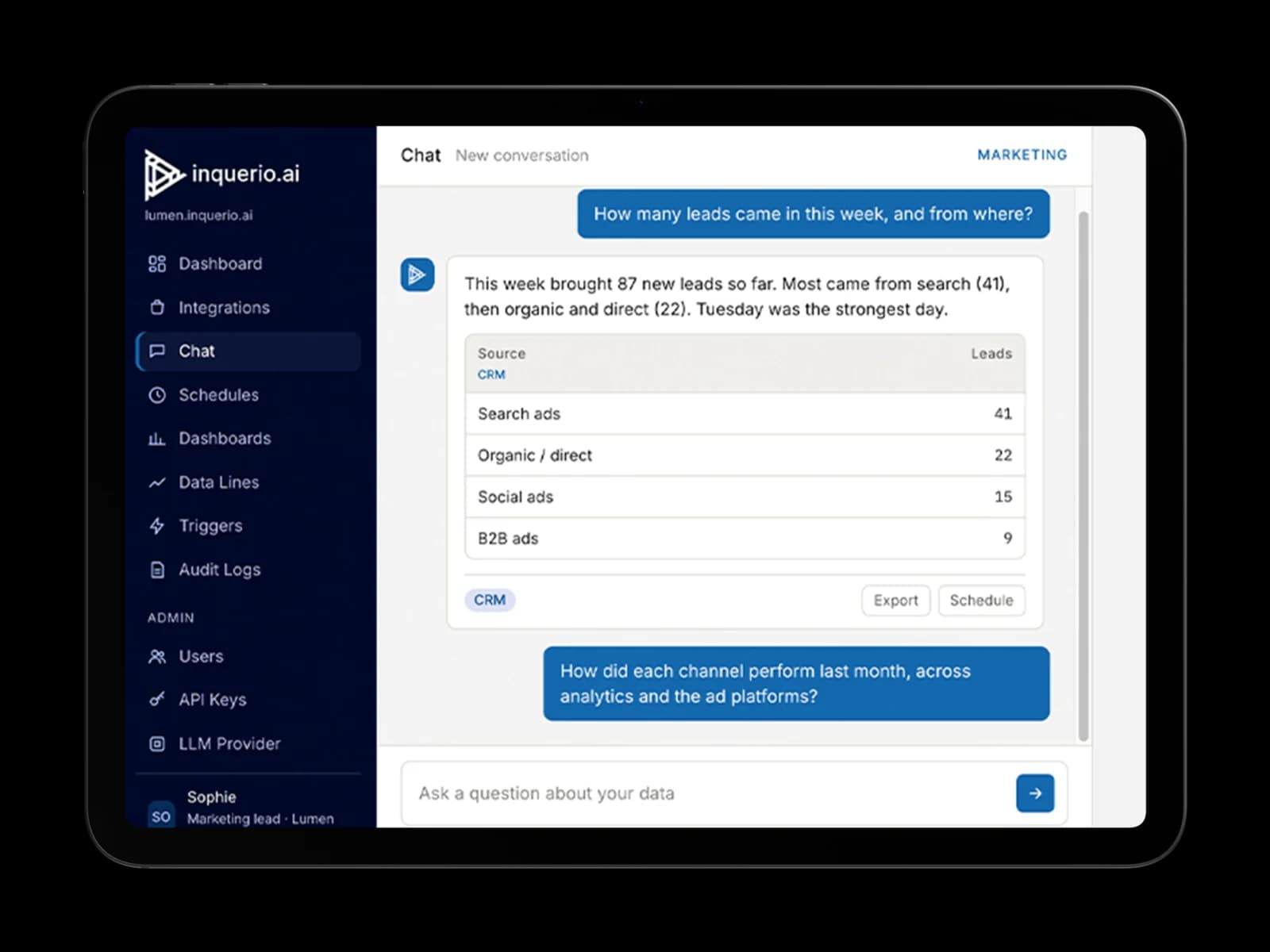
Inquerio.ai acts as an additional layer across your time tracker, project tool, and accounting software. Ask how many hours have been spent on a client's project and what remains to be invoiced, and receive an immediate answer from all three systems. If a project is nearing its budget limit, it shows up in your weekly overview, so you can adjust in time. No exports or manual copying required.
What inquerio.ai delivers
- You know which clients are profitable before you invoice, not after
- You get a weekly overview of projects nearing their budget
- Hours, invoices, and project status combined in one answer, straight from your own systems
- A weekly view of which clients are eating the most of your time
Examples of systems inquerio.ai can read
Time tracking
Pull hours per client and project, as currently logged.
Possible integrations: Toggl, Harvest, or TimeChimp.
Project management
Access to status, scope, and progress for each project.
Possible integrations: Asana, monday.com, or Teamleader.
Accounting
View invoices and amounts invoiced per client.
Possible integrations: Exact Online or Moneybird.
3 simple steps to work with inquerio.ai
- 1
Ask your question in plain language.
- 2
Inquerio.ai pulls data from the time tracker, project management tool, and accounting system at once.
- 3
You get one answer with source references, before making the next decision.
Frequently asked questions
Do I need to replace my time tracker or accounting software to use inquerio.ai?
No. Inquerio.ai reads from the systems you already use. Nothing gets replaced or migrated.
Can inquerio.ai show my margin per client?
Yes. Inquerio.ai compares the hours logged per client with what you invoiced them, straight from your time tracker and accounting, without a manual export.
Will I get a warning if a project is heading over budget?
Yes. Inquerio.ai can send you a weekly overview of the projects whose logged hours are getting close to the agreed budget.
Does my data stay in my own systems?
Yes. Your business data stays in your own systems. Inquerio.ai reads it when you ask a question, and nothing needs to be migrated.
Is this a fit for a small agency without an IT team?
Yes. Inquerio.ai is built for agencies that run on a handful of separate tools and have no in-house IT team.